All featuresBuilt for Teams

Workspace Roles

Invite someone to a single workspace, as a manager or with read-only reporting access.

Get Started
app.adside.com
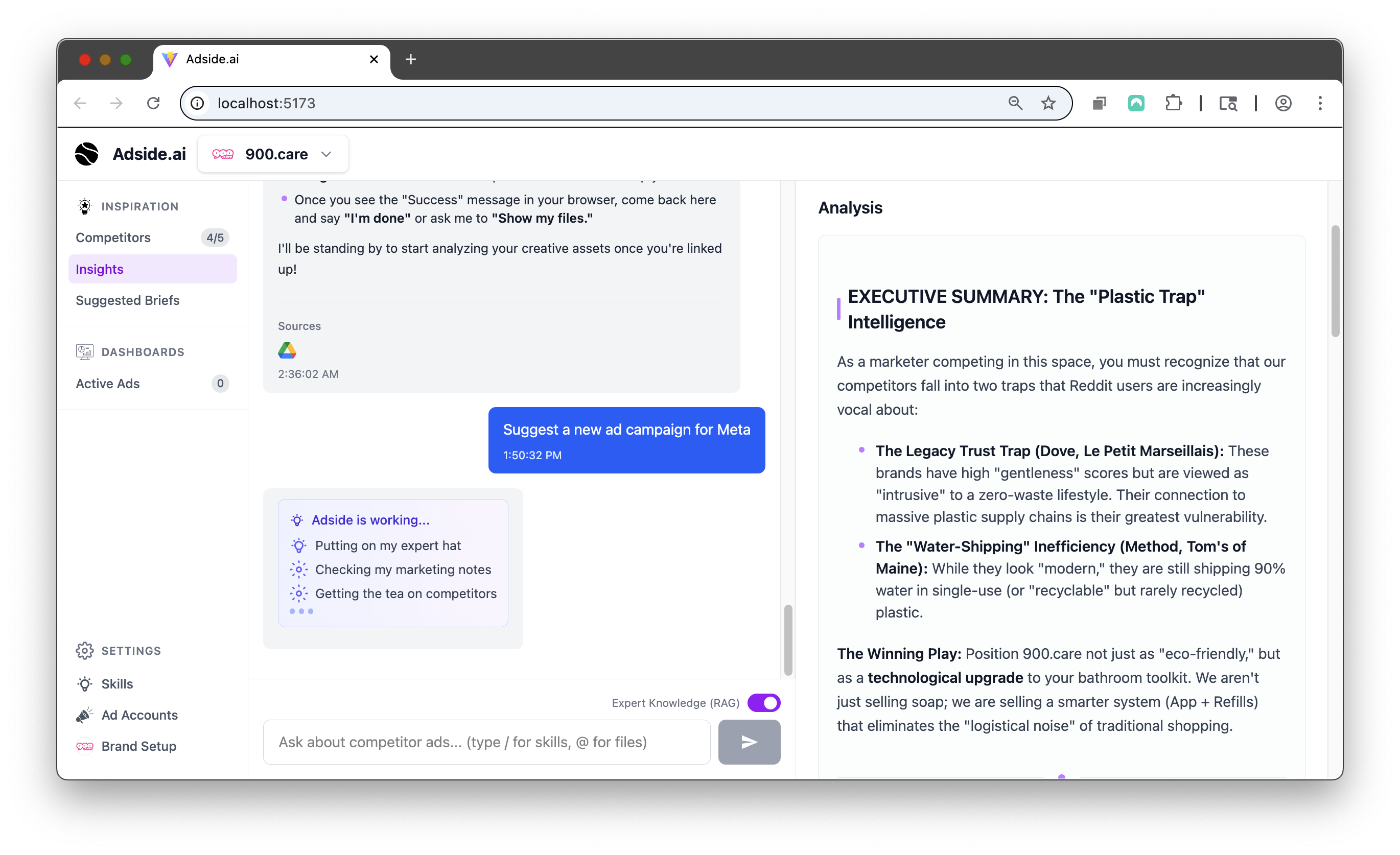
workspace-roles screenshot

Up and running in three steps

01

Invite to a workspace

Invite someone to one workspace instead of your whole organization.

02

Pick a role

Manager for full capabilities, or reporting for strictly read-only access.

03

Permissions follow everywhere

Every page, API call and MCP tool checks the role when it runs.

Why teams switch to Adside

Clients see their numbers, nothing else

Reporting access is read-only and scoped to the workspaces you choose.

Freelancers without the risk

An external member gets one account, not your whole client list.

Enforced in the AI too

A reporting-only user who connects over MCP gets reporting tools and nothing else.

No seat math

Adside does not charge per seat, so invite the people the work needs.

More in Built for Teams

All features

Shareable Links

Share a dashboard, a report or an ad board with a link. Anyone can view without an account.

Learn more

Shared Brain

One shared brain across your team and every brand you run. Everything the agent learns stays with the account.

Learn more

Questions about Workspace Roles

Manager, with full workspace capabilities, and reporting, which is read-only.

Yes. External members see only the workspaces they are invited to.

Yes. Organization owners and admins keep implicit access to all workspaces.

Wanna try Adside today?

Hire agents to run your ads, get your time back and increase your ROAS.

Get Started