A
Adside

MCP Server

Control your entire ad operation from Claude Code. No UI. No context switching. Just ship code, launch ads.

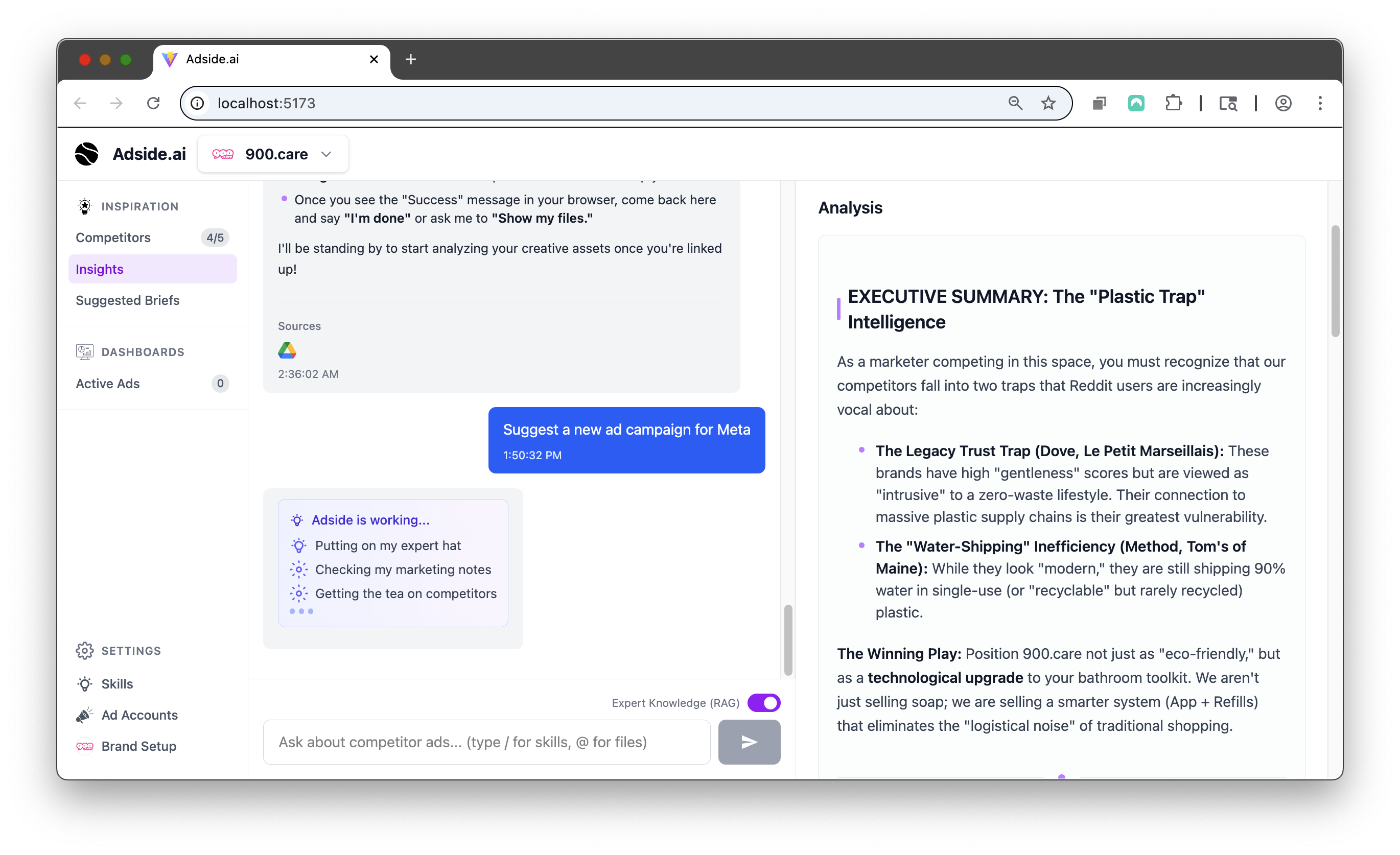
app.adside.ai
Loading preview...

Key Benefits

Everything you need to transform your creative workflow

Terminal-native workflow
Control your ad accounts from Claude Code, Cursor, or Windsurf. No browser, no clicking, no context switching.
Natural language commands
Type what you want in plain English. 'Pause all campaigns with CPA above $80.' 'Show me top performers this week.'
Multi-account support
Manage all your clients' ad accounts from one terminal session. Switch between accounts with a command.
Works with any MCP client
Claude Code, Cursor, Windsurf, or any MCP-compatible tool. Standard protocol, no vendor lock-in.

How It Works

From idea to launch in 3 simple steps

Install the MCP server

One command to install. Connect your Adside account and ad platform credentials.

1

Open your terminal

Use Claude Code, Cursor, or any MCP client. Adside appears as a tool you can call.

2

Manage ads with natural language

Create campaigns, adjust budgets, pull reports, pause ads. All from your terminal in plain English.

3

Ready to get started?

Book a call to see if Adside is right for you

View Pricing

No commitment required

Frequently Asked Questions