All featuresAd Operations

Client Access Links

One link gets your whole team access to a client’s ad accounts. No screenshots, no personal Facebook links.

Get Started
app.adside.com
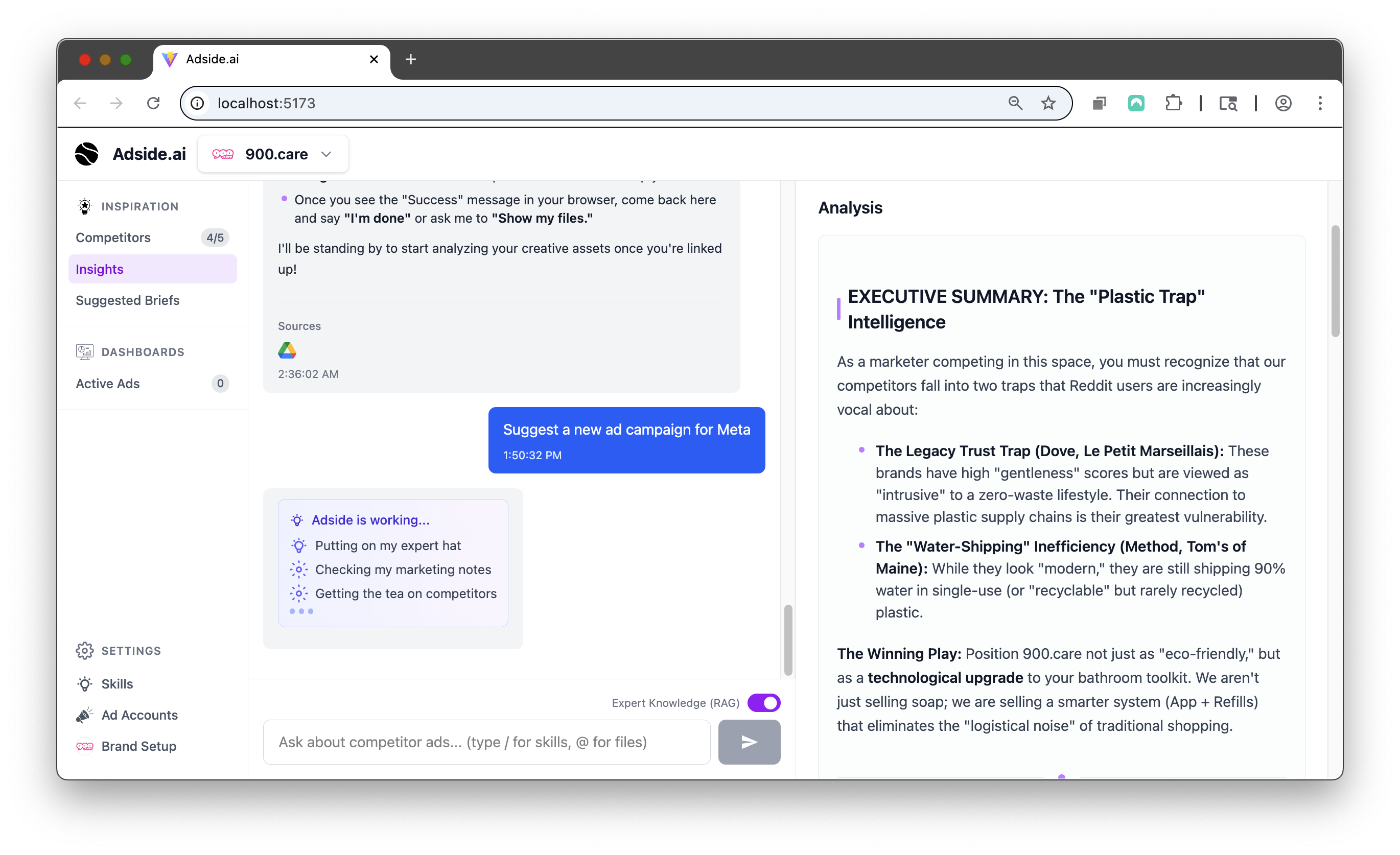
client-access screenshot

Up and running in three steps

01

Build the request

Pick the platforms and assets you need, and the teammates who should receive access.

02

Send one link

The client opens it and signs in once per platform. No screenshots, no walkthrough calls.

03

Everyone is in

Access lands for your whole team at once, and the checklist tracks anything still missing.

Why teams switch to Adside

One link, whole team

A single grant covers several teammates, so nobody chases individual invites.

No personal Facebook links

Meta access lands on your agency’s Business Portfolio, and you reassign it internally without asking the client again.

More than ad accounts

Request website details, brand assets and anything else you need, in the same checklist. Clients can drop files right on the page.

Works across platforms

Meta, Google and LinkedIn access run through the same brokered flow.

More in Ad Operations

All features

Bulk Creative Upload

Push hundreds of creatives live in Meta in one batch. Carousels, call ads, placements and text variations included.

Learn more

Recurring Routines

Put the agent on a schedule. Weekly reports, summaries and check-ins that post to the Slack channel you pick.

Learn more

Questions about Client Access Links

Open one link and sign in to each platform once. The page walks them through it.

No. The grant page works without one.

Each recipient’s result is tracked separately, so one failure never hides behind another’s success.

Wanna try Adside today?

Hire agents to run your ads, get your time back and increase your ROAS.

Get Started