The best LinkedIn Ads MCP servers, compared
LinkedIn is the thinnest of the ad-platform MCP categories, and there's a reason: no official server, and an advertising API you can't touch without being approved first. Here's what actually exists, why the field looks the way it does, and which option fits.
For most people the best LinkedIn Ads MCP is a managed connector, and that's a consequence of how LinkedIn works rather than a preference. LinkedIn's advertising API is partner-gated: you can't call it until LinkedIn approves a developer app, so a managed service that already holds an approved app is the path of least resistance. Adside is one of the few that treats LinkedIn as a first-class platform alongside Meta and Google, with writes held for approval. If you'd rather self-host, danielpopamd's linkedin-ads-mcp is the one credible open-source option, though you still need your own approved LinkedIn app to run it.
The short version
- No official server. Neither LinkedIn nor Microsoft ships an Ads MCP. Every option is third-party. That's the opposite of Meta and Google.
- The API is gated. LinkedIn's Advertising API needs an approved developer app: verified business, verified Page, supported use case. An MCP can't skip that step.
- So managed connectors win by default. They hold one approved app for you; you connect with OAuth. Self-hosting means getting your own approval first.
- One real open-source option. danielpopamd's linkedin-ads-mcp (read and write, OAuth, actively maintained). Almost everything else labelled "LinkedIn MCP" is for profiles and posts, not ads.
- Our pick: Adside if you want LinkedIn managed next to Meta and Google; the open-source server if you already have an approved app and want to self-host.
Why the field is so thin
It's worth understanding the gate, because it explains every choice below. LinkedIn's Marketing and Advertising APIs have been partner-gated for years. Before any tool can manage your campaigns, someone has to apply for API access and be approved: a verified legal business, a verified LinkedIn Page you're a super-admin of, and a supported commercial use case.¹ On top of that, access tokens expire every 60 days and members have to re-consent annually.
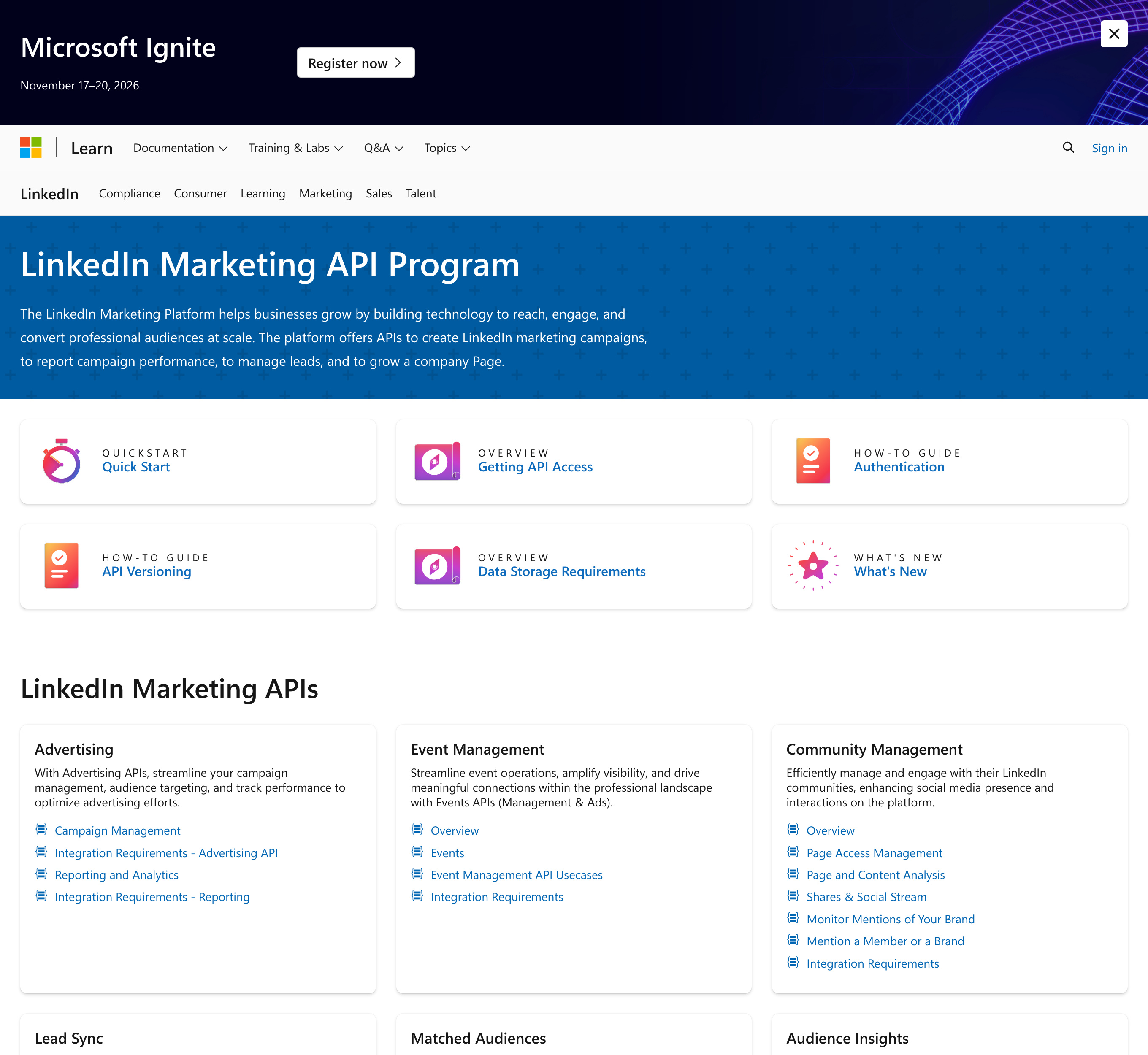
An MCP server is just a wrapper over that API, so it inherits the gate. It cannot grant access LinkedIn hasn't approved. That single fact reshapes the category: instead of dozens of self-hosted servers the way Meta and Google have (where each user brings their own token), LinkedIn's field is dominated by managed services that hold one approved app and let many users connect through OAuth. The scarcity isn't a lack of demand; it's the approval wall doing its job.
The options at a glance
| Server | Type | Approved app | Reads / Writes | Covers | Best for |
|---|---|---|---|---|---|
| Adside | Managed | Held for you | Read + write, approval-gated | LinkedIn + Meta + Google | Running LinkedIn next to other platforms |
| danielpopamd | Open-source | You bring your own | Read + write (OAuth) | LinkedIn only | Self-hosting with an approved app |
| AdKit / PaidSync / Markifact | Managed | Held for you | Read + write, draft/approve | LinkedIn + several platforms | Multi-platform managed setups |
| AdPlug | Managed | Held for you | Read + write (write toggle) | LinkedIn + Google | The open-source tool, hosted |
| Zapier MCP | Managed | Held for you | Audiences, lead forms, reports only | LinkedIn (narrow) | Lead and audience automation, not full ops |
Adside: LinkedIn as a first-class platform
Adside is the connector we build, so read the rest of the field too. The reason it belongs at the top of a LinkedIn list specifically is that most connectors treat LinkedIn as an afterthought behind Meta and Google, and a few (including ours) treat it as a first-class platform: full campaign, creative, audience and reporting coverage over LinkedIn's Marketing API, managed the same way as the other two.
Practically, that means you don't touch LinkedIn's approval process: we hold the approved app, you connect your ad account through OAuth in the Adside app, and you're managing LinkedIn campaigns from your assistant. Writes that spend money are held for you to approve, and requests are paced to stay inside LinkedIn's rate limits, the same managed model we use on Meta and Google. It works with Claude Code, OpenClaw, Gemini, ChatGPT or any MCP-compatible assistant, and it's part of the standard plan. If LinkedIn is the only platform you run and you already have API access, you may not need us; the case is strongest when LinkedIn is one of several platforms you'd rather manage from one place.
The open-source option worth knowing
There's exactly one dedicated open-source LinkedIn Ads MCP I'd point a developer to: danielpopamd / linkedin-ads-mcp. It's MIT-licensed, actively maintained, and does real campaign management (roughly two dozen tools split between reads and writes: campaign groups, campaigns, creatives, audiences, conversions and analytics). It authenticates with OAuth and refreshes tokens before the 60-day expiry, and there's a hosted version (AdPlug) if you want it without running the server yourself.
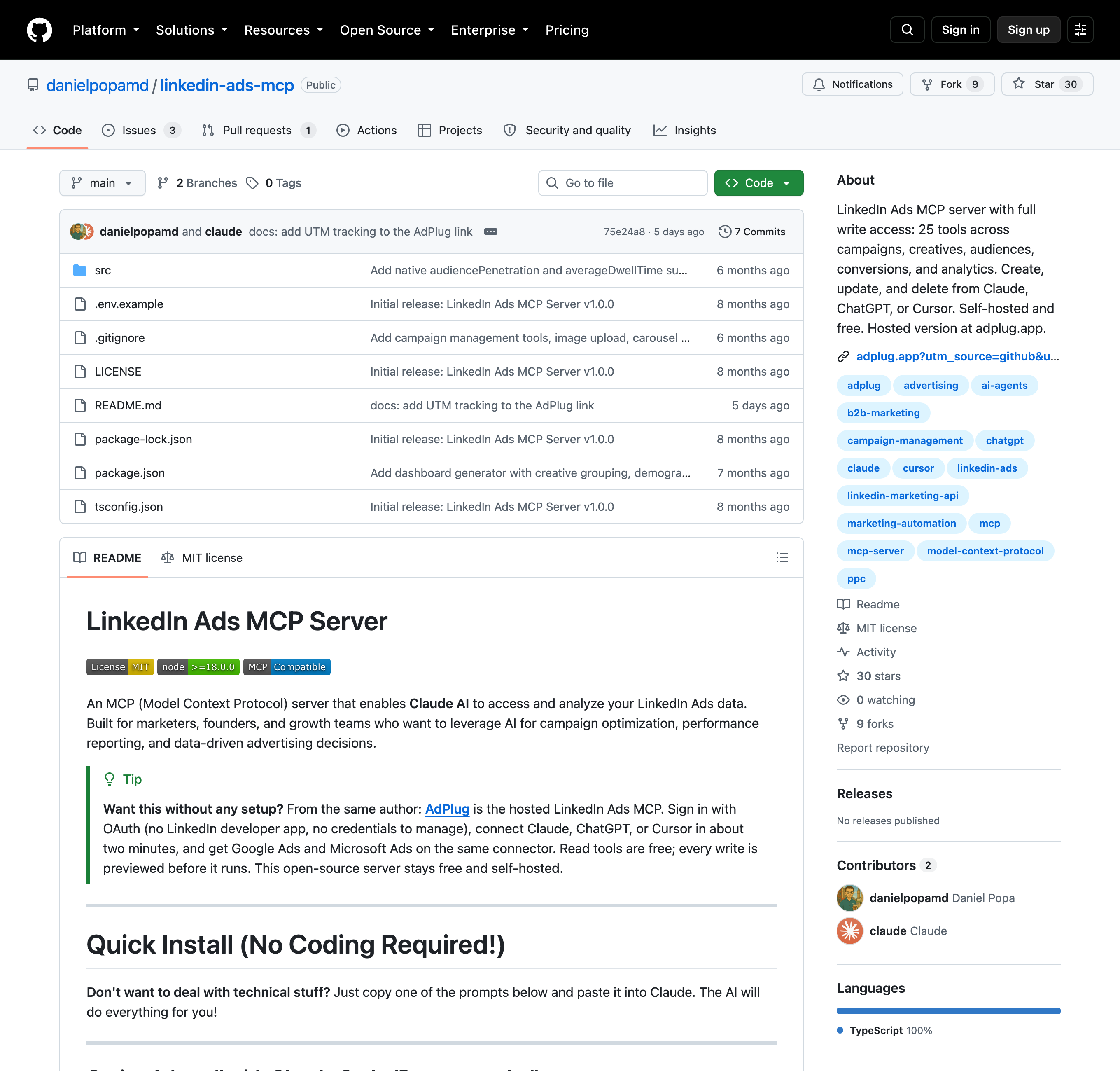
The catch is the same gate as everywhere: to get the OAuth credentials this server runs on, you need your own LinkedIn developer app with approved Advertising API access. If you already have that, self-hosting is a legitimate, free choice. If you don't, the weeks of approval are exactly what the managed route saves you.
The other managed connectors
A handful of multi-platform managed connectors include LinkedIn, and they're worth a look if their platform mix or pricing fits you better. AdKit, PaidSync and Markifact all cover LinkedIn alongside several other networks and stage writes as drafts you approve before they go live. AdPlug is the hosted version of the open-source server above, currently LinkedIn and Google, with writes behind a per-platform toggle. And Zapier's MCP technically touches LinkedIn Ads, but only for audiences, lead-form responses and reporting; it can't create or edit campaigns, so treat it as a lead-and-audience automation tool rather than a way to run the account.
The through-line: every one of these holds an approved LinkedIn app so you don't have to. They differ on how many other platforms they cover and how they gate writes, which is the right thing to compare once you've decided managed is the way in.
The "LinkedIn MCP" trap
One warning that'll save you time. Search "LinkedIn MCP" and most of what comes back has nothing to do with ads. The bulk of those repositories manage profiles, posts, connections, messaging or lead scraping on personal and company pages, not Campaign Manager. Several work by driving a logged-in browser session, which violates LinkedIn's user agreement and can get the account restricted.
When you want a LinkedIn Ads MCP, filter hard: it should be built on LinkedIn's official Marketing and Advertising API, and it should talk about campaigns, creatives, audiences, conversions and reporting, not "scrape a profile" or "send a connection request." Everything I've recommended here clears that bar; a lot of what you'll find in a raw search does not.
Frequently asked questions
What is the best LinkedIn Ads MCP?
For most people it's a managed connector, because LinkedIn's advertising API is partner-gated and a managed service holds an approved developer app for you. Adside is one of the few that treats LinkedIn as a first-class platform alongside Meta and Google, with writes held for approval. If you want to self-host, danielpopamd's linkedin-ads-mcp is the one credible open-source option, but you still need your own approved LinkedIn app to use it. Narrower tools like Zapier's MCP only cover audiences and lead forms, not full campaign management.
Is there an official LinkedIn Ads MCP server?
No. As of 2026 neither LinkedIn nor Microsoft publishes an official Ads MCP server. Every LinkedIn Ads MCP that exists is community-built or vendor-hosted and unaffiliated with LinkedIn. This is a real gap compared with Meta, which ships a first-party MCP, and Google, which open-sourced one. The absence traces back to LinkedIn's strict Marketing API access model.
Why are there so few LinkedIn Ads MCPs?
Because LinkedIn's Advertising API is partner-gated. You have to apply and be approved, with a verified business, a verified LinkedIn Page you're a super-admin of, and a supported use case, before anything can call the API. Tokens expire in 60 days and require member re-consent yearly. An MCP wrapper can't bypass any of that, so instead of many self-hosted tools that each need their own approved app, the category is dominated by managed services that hold one approved app and let you connect through OAuth.
Do I need a LinkedIn developer app to use a LinkedIn Ads MCP?
With a self-hosted server, yes: you need your own LinkedIn developer app with approved Advertising API access to obtain the OAuth credentials it runs on, and getting that approval is the slow part. With a managed connector like Adside, no: the provider holds an approved app, so you just sign in with OAuth and connect your ad account. Avoiding the approval process is one of the main reasons people choose the managed route for LinkedIn specifically.
Aren't there already lots of LinkedIn MCP servers on GitHub?
Most of them aren't for ads. The majority of "LinkedIn MCP" repositories manage profiles, posts, connections, messaging or lead generation on personal or company pages, not Campaign Manager. Some work by scraping a logged-in session, which violates LinkedIn's user agreement and risks the account. When you're looking for a LinkedIn Ads MCP, filter for ones built on the official Marketing/Advertising API that manage campaigns, creatives, audiences and reporting.
Sources
- LinkedIn Marketing API Program: access application and Advertising API integration requirements — LinkedIn Marketing API, Microsoft Learn (accessed Sept 2026)
- Managed connector safety model: rate-pacing and approval-gated writes — Can an ads MCP get your account banned?, Adside